
Make Your pfSense Firewall Invisible with NetBird Zero Trust Network Access
As a network, security or infrastructure engineer, you appreciate pfSense for its flexibility and control in securing your organization. However, perimeter defenses have not been stopping the adversaries from getting inside the organization. The recent Microsoft Sharepoint server vulnerabilitiesHow to secure exposed SharePoint servers with NetBird revealed that exposing critical resources to the internet doesn’t end well.
The traditional ‘castle-and-moat’ model simply doesn’t work anymore, making organizations to play catch up with the adversaries. Your pfSense provides a strong perimeter. However, with adversaries constantly scanning for exposed open ports on firewalls, it’s just a matter of when before your organization gets compromised.
What if you could make your pfSense firewall and all the critical resources behind it completely invisible to the public internet? What if you could make your critical resources like applications, services and data easily and securely accessible from anywhere? These are not hypothetical ideal scenarios; this is possible by integrating your pfSense with NetBird.
Cloak Your Entire Network with a Robust Zero-Trust Overlay Network
By easily integrating NetBird with your pfSense firewalls, you establish a highly secure, zero-trust overlay network built on the trusted, high-performance WireGuard® protocol. This means that you instantly cloak your entire network from adversaries.
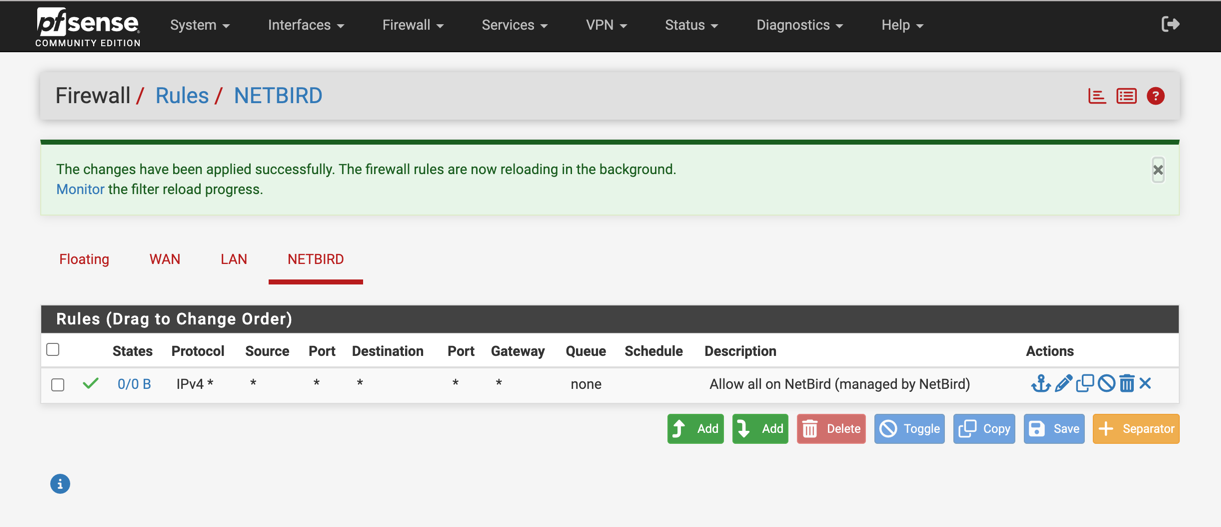
Your pfSense firewall's management interface and your internal resources are no longer visible to adversaries scanning for exposed ports on your firewall, significantly reducing the attack surface. And, instead of funneling all traffic through a central VPN (read: chokepoint), your users and devices securely access applications and data as NetBird is built from the ground up based on the principles of Zero Trust. With direct, encrypted tunnels to the resources, NetBird enhances speed and reliability while maintaining robust security.
Simplify Remote Access Without Sacrificing Control
Managing access for your distributed teams, third-party contractors, and partners is often messy and poses a significant challenge. Traditional VPNs often grant overly broad access, violating the principle of least privilege. A robust zero-trust strategy is built on a foundation of strong identity verification. NetBird integrates directly with your existing Single Sign-On (SSO) solutions, be it Google Workspace, Microsoft Entra ID, Okta, and more. This means you can enforce granular access policies based on user and group identities you already manage. You eliminate the need for managing access via open ports and ensure that every connection is authenticated through your organization's trusted identity source, complete with Multi-Factor Authentication (MFA).
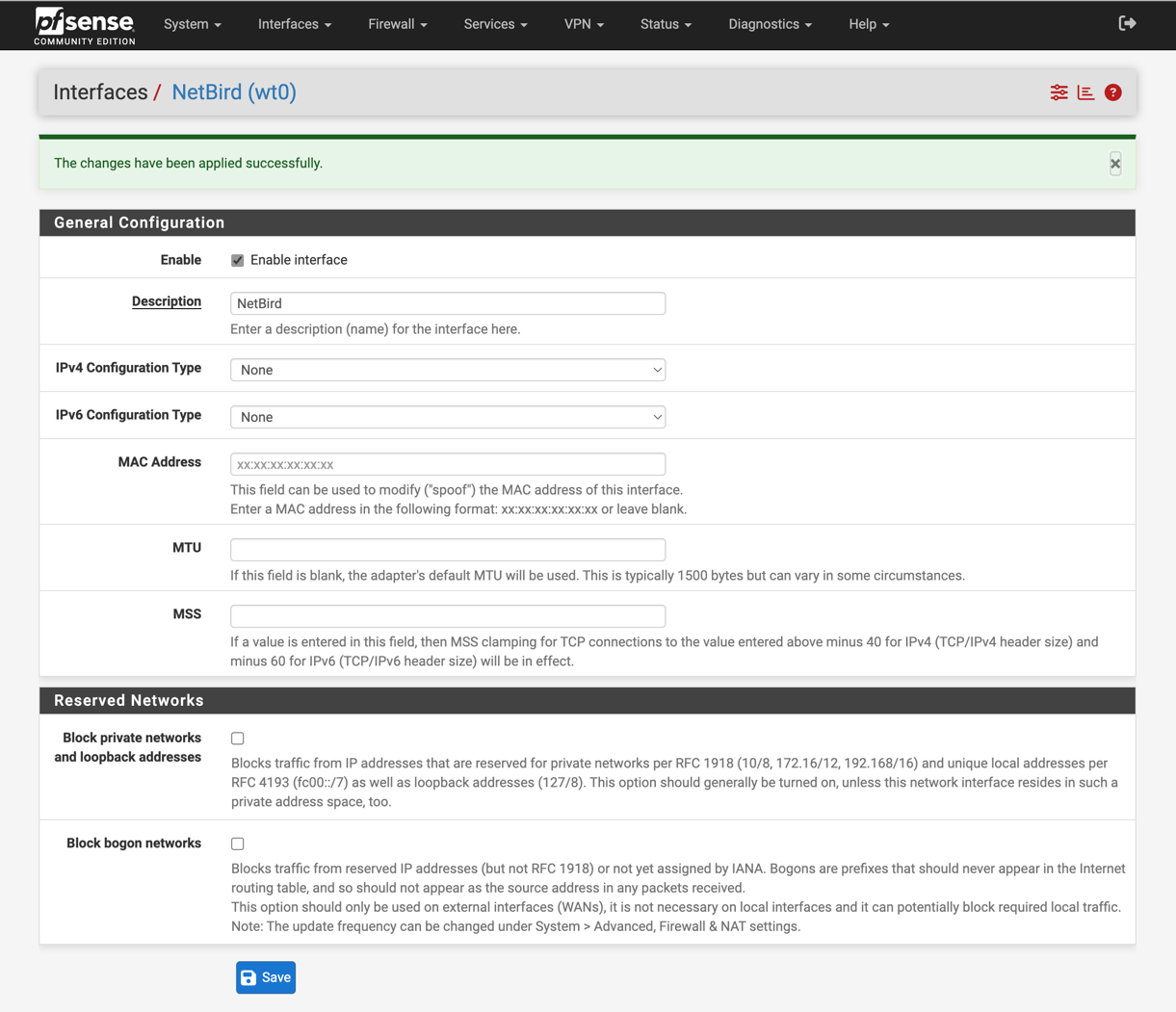 After integrating NetBird with pfSense, you achieve the principle of least privilege access by allowing all traffic to go through the NetBird interface on pfSense. This enables you to define and control access to critical resources and applications via NetBird’s granular ACLs, while keeping your pfSense firewall shielded from the public internet. You can grant users granular access to specific internal applications, file shares, or databases from anywhere in the world without exposing anything publicly. You define simple, identity-based policies that dictate who can access what, effectively shrinking the "blast radius" of a potential breach.
Get Started in Minutes
NetBird makes secure remote access radically simple, and you can get started with the pfSense integration with a simple package installation. Here's the detailed documentationpfSense installation guide for NetBird on how to get started with the integration. Also, be sure to check out the video walkthroughWatch the NetBird + pfSense setup walkthrough to learn how to run NetBird directly on your pfSense firewall and seamlessly connect your network.